How to Test Discord Onboarding Before a Launch: A Six-Step Load Test for the Join Flow
A six-step run-through for the person sending the traffic: map the join flow, find its slowest step, test it with several people at once, and build a fallback first.
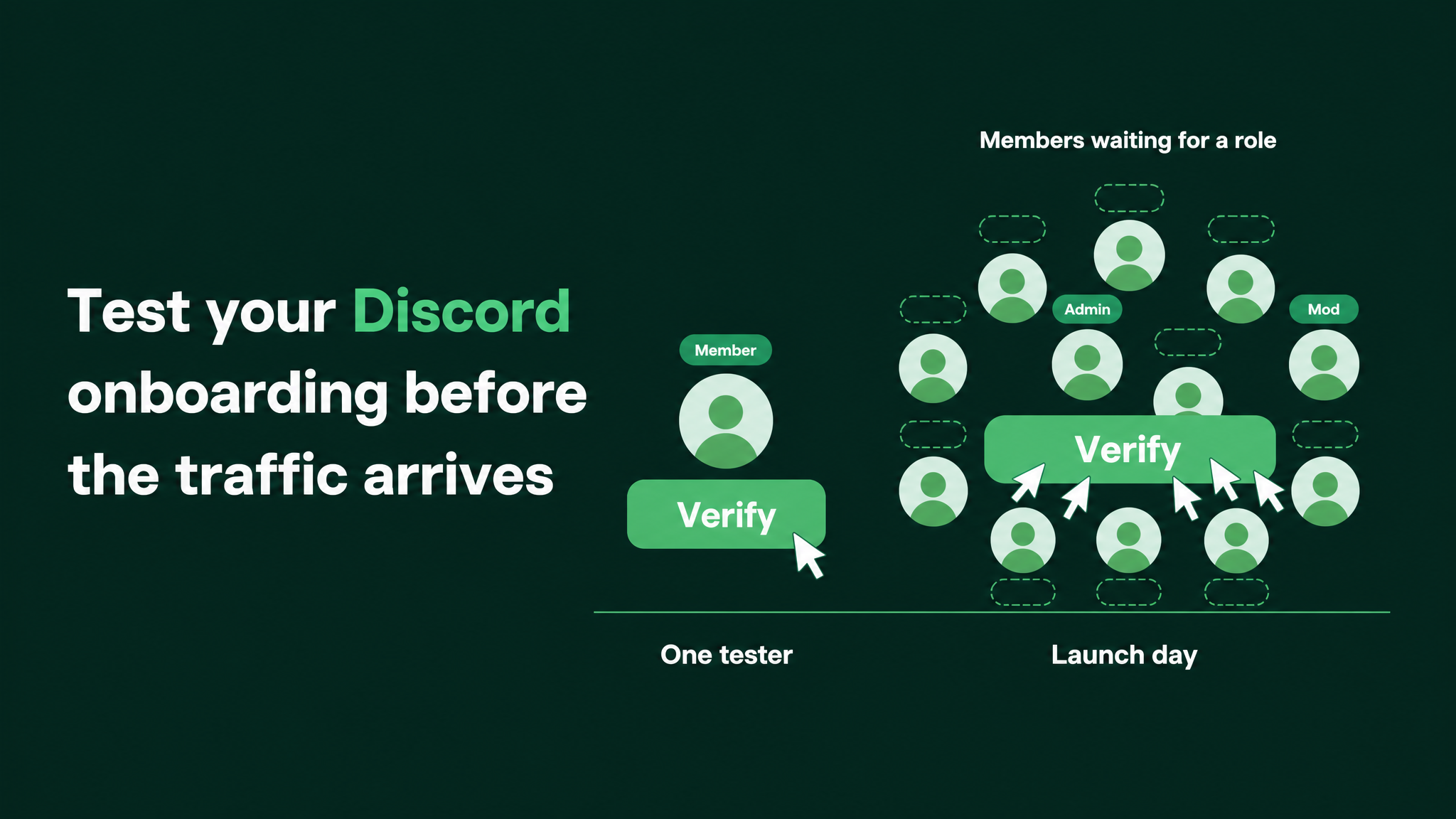
What to do before the traffic is sent
The test rests on one idea. The join flow has to be tried by several people at the same moment, because that is how it will be used on the day. Before that rehearsal, you count what each new member asks the server to do and find the step most likely to give way. After it, you set up a way to rescue anyone who still gets stuck.
Testing alone misses the problem because of how the flow is built. A few plain definitions make the rest easier to follow.
Join flow is every step between accepting an invite and being able to use the server.
Bot is a program that sits in the server and does jobs for the team, such as checking new members or handing out roles.
Role is a label on a member's account. It decides which channels that member can see.
Entry role is the one role that opens the main channels. A member without it is in the server and locked out of it at the same time.
Rate limit is a ceiling on how many actions a tool will perform in a given span of time.
Each time a new member presses a bot's button or sends a bot's form, the bot has to answer. Discord limits how quickly any bot can act. Some bots set limits of their own as well, and a free plan is often stricter than a paid one. The actual figures vary by bot and by plan, so I will not give any. Read them in the documentation of the bot you use.
When the bot falls behind, the new member sees it as a dead button, or as Discord's notice This interaction failed, which is shown when a bot does not respond to a press in time. No role is given. A person who clicked your ad is now inside a server that shows them a single channel.
Having managed BlueWillow's Discord through its rise from about 1K to 1.7M members, I plan every join flow for the moment many people use it together. The run-through has six parts, done in order.
1. Write the flow down as a list
Go through the flow as a stranger would, on an account that has never joined, and record each thing that happens. Capture three kinds of event:
- every click on a button or an answer
- every form the member fills in
- every role the member is given
Number the lines. A short example:
1  Invite accepted, member lands in #start-here
2  Built-in question answered ............ role given
3  "Verify" button pressed ............... entry role given
4  Form submitted ........................ answers stored
5  "Pick your region" button pressed ..... role given
6  Main channels open

Member actions: 5        Roles given: 3
Keep both totals. The number of member actions tells you how long the flow feels to a newcomer. The number of roles given tells you how much work lands on the tools behind it, and the line that gives the entry role is the one your campaign cannot do without.
2. Name the tool behind every step
Each numbered line is carried out by one of two things. The first is Discord's own Onboarding feature, which Community servers can switch on. It asks arriving members multiple-choice questions and assigns roles and channels from the answers, with no bot involved. The second is a third-party bot.
Beside every line, write a short worksheet entry:
Step ............. 3  "Verify" button
Performed by ..... Bot A
Plan ............. Free
Documented limit . (copy the exact wording from Bot A's documentation)
Source ........... Bot A documentation, plans page, date read
Told if it fails . name of the person on the team
Three rules for filling it in:
- The limit comes from the bot's documentation, word for word. A guess does not go in the box.
- If the documentation is silent, write to the bot's support team and mark the step as high risk until they reply.
- Check the role list while you are there. A bot can only assign roles placed lower than its own top role. An entry role sitting above the bot's role will never be given, to anyone, however quiet the server is.
Once every line has an entry, pick out the step with the strictest limit. The whole flow can only move as fast as that one step.
3. Shrink the flow
Fewer steps mean fewer requests against the strictest limit and fewer places for a member to stall. Cut in this order:
- Move every multiple-choice question into Discord's built-in onboarding. If the answer is a pick from a list, the built-in feature can assign the role itself.
- Decide which single job the bot must do before a member gets in. Usually that is confirming the member is a real person.
- Push everything else to after entry. A form that collects typed answers can sit in a channel inside the server. Optional role picks can be left to the built-in questions, which members can reopen later from the Channels & Roles page.
- Remove any second bot from the join flow if the first one or the built-in feature can cover its step.
Take the example above. It starts with three bot actions per member: the verify button, the form and the region button. After the cuts, the region question lives in built-in onboarding, the form waits inside the server, and the bot is left with the verify button alone. One bot action per member is a third of the load from the same crowd.
4. Rehearse with a countdown
Now try the flow the way it will be used. The setup:
- People. A handful of teammates, each on their own account. No account may carry a staff role, because admins see every channel whatever roles they hold and will not notice a blocked flow.
- Starting position. Everyone is outside the server. Anyone who is already a member leaves first.
- Devices. At least two phones in the group. The join flow looks different on a phone, and a lot of campaign traffic arrives on one.
- The run. One fresh invite link, one countdown, everyone joins on the same second and presses through as fast as they can.
- The observer. One person stays out, watches the member list, and notes for each tester whether the entry role arrived and roughly how long it took.
- Repeats. Run it a second time straight away, and again after every change to the flow.
What you see in the rehearsal points to the cause:
| What the tester sees | Most likely cause | What to do |
|---|---|---|
Button does nothing, or shows This interaction failed | The bot did not answer in time. It is overloaded, throttled or offline | Check the bot is online, reread its plan limits, and cut bot steps |
| Role arrives for some testers and late or never for others | Role assignments are queuing behind a limit | Reduce the roles given per member during the join flow |
| Role arrives for nobody, even one tester alone | The bot's role sits below the entry role, or the bot lacks permission to manage roles | Move the bot's role above the entry role and recheck its permissions |
| Form returns an error or loses answers | The form step is hitting a limit of its own | Move the form to after entry |
A small group is a weak copy of a real launch, and it is still worth doing. It shows whether the flow has spare room. If six people can make it stutter, a crowd will stop it, and you have learned that with no audience watching. If six people pass cleanly, treat that as a good sign and build the rescue anyway.
5. Prepare the rescue
#start-here saying "Stuck? Get help here", linked to a help channel. Members with no role must be able to see both channels and post in the help channel. Confirm it with a test account.
The alert. Pick how long a new member may sit without the entry role before staff are told. Ten minutes is a fair starting point. Use a bot alert into a staff channel if one of your bots offers it. Otherwise assign a person to check the newest members on a fixed rhythm during the spike.
The manual path. Staff with the Manage Roles permission can add the entry role by hand from a member's profile, and many bots have a role command for the same job. Record which role, and who may give it, and have each of them do it once beforehand.
The switch. Decide what replaces the bot step if it fails outright. The simplest replacement is an answer in built-in onboarding that grants the entry role directly while the spike lasts. That drops the bot's check for a day, so agree in advance whether that is acceptable and who may switch it.None of the four takes long to set up. All four are much harder to improvise while new members are waiting.
6. Read two numbers on the day
During the spike, keep two figures side by side: how many people have joined since the send, and how many members hold the entry role. Server settings show the member count for each role, and the member list shows when each person joined.
The difference between joins and entry roles is the number of people who came in and could not get any further.
A small difference is expected, since some people pause partway through. A difference that grows while joins continue means a step has stopped working. Look every fifteen minutes in the first hours and every hour after that.
When it grows, act the same day. Give the missing roles by hand. Post a short notice in #start-here so stuck members know what to do. If the bot is the cause, make the switch you agreed in part 5. Then record which step failed and correct the list from part 1, so the next campaign starts from a flow that has already been fixed.
The same work against the calendar
ABOUT A WEEK BEFORE THE SEND
  List the flow, with action count and role count
  Fill in the worksheet for every step, limits copied from documentation
  Confirm the bot's role sits above the entry role
  Move multiple-choice questions into built-in onboarding
  Rehearse with several people on one countdown, phones included
  Change what stalled, then rehearse again

THE DAY BEFORE
  Rehearse once more if anything in the flow changed
  Confirm the help line in #start-here works with no role
  Name the person on alert duty and the people allowed to give roles by hand
  Tell the community team the exact send time

SEND DAY
  Compare joins against entry roles on a fixed rhythm
  Give missing roles by hand and post a notice if the gap grows
  Record which step failed
One line there belongs to the marketing lead alone, and it is the send time. The people running the server can staff the door for a campaign they know about. They cannot staff it for one they discover from a sudden column of new names.
The larger job this belongs to
Testing the join flow under load is a single piece of onboarding and the first 48 hours, the period when a new member decides whether to return. Onboarding is itself one layer among several: automation coverage across the server, the architecture of roles and channels, the routing of support questions to someone who can answer them, and reporting on all of it. The load test is covered here in full and can be run from this page. What greets a member after they get in is different work.
The audience arrives on the marketing team's schedule and is received on the community team's setup. A short rehearsal lets both teams see the same flow before the people they are trying to reach do. More at danieljeong.org.
Want a properly managed community?
Get Your Free Analysis →