How to Prepare a Discord Community for a Product Launch: Answer the Questions Before Launch Day
A one page launch brief, a test for what is new, and a question forecast that gets approved answers to your community team before the announcement goes out.
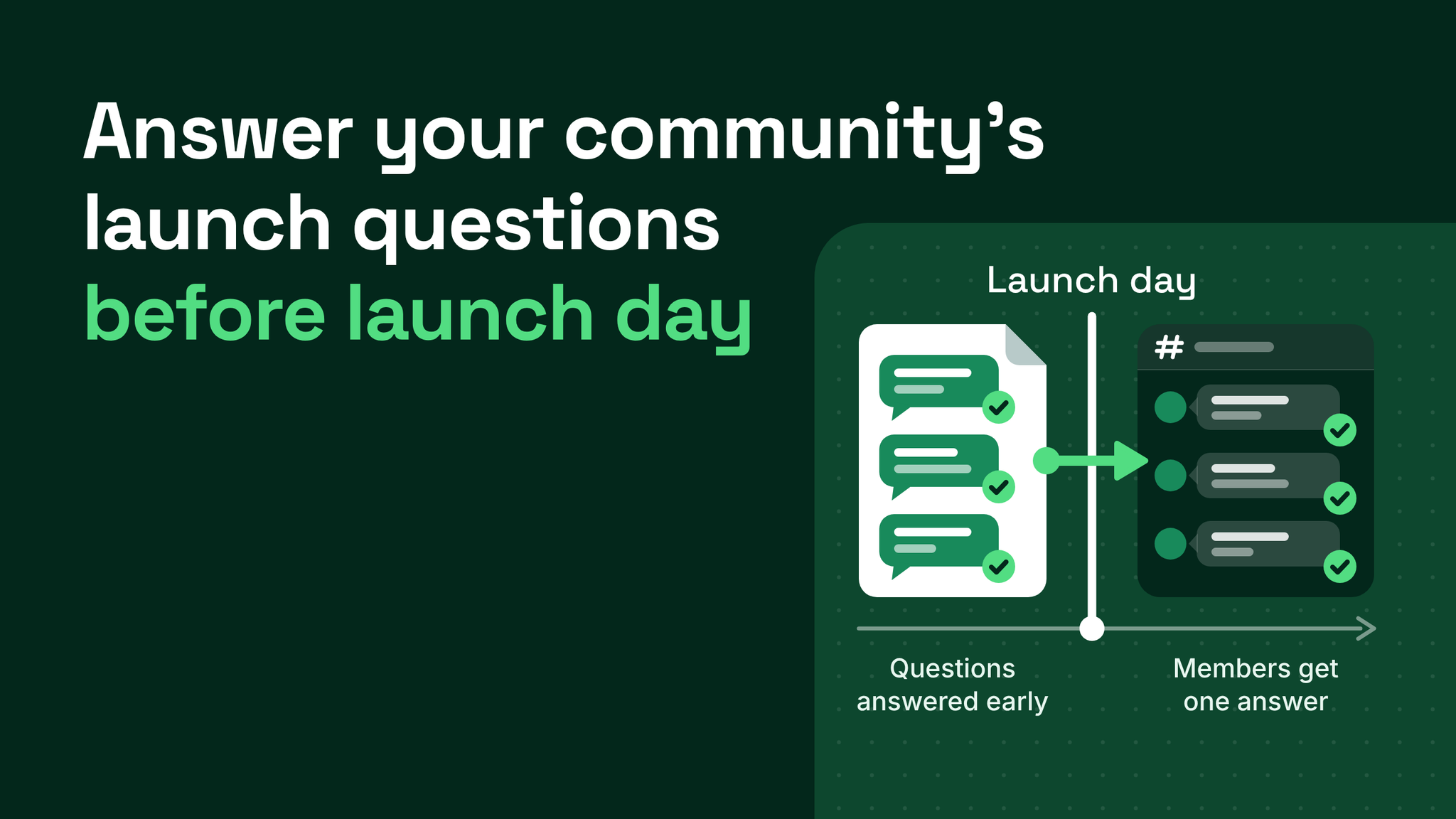
Give the community team the answers before members ask
A launch goes well in a Discord server when the people answering questions already hold the answers. That takes two documents, both sent by the product side ahead of the announcement: a launch brief that fits on one page, and a question forecast.
A question forecast is a list of the questions members will probably ask once the announcement is live, each paired with wording that product has approved. You can predict most of that list, because the questions cluster around whatever is new. A first-time plan, feature, product format or price point will draw more questions than everything familiar in the launch put together. So will a changed option or a date that moved.
Product and product marketing are the right owners for the first draft. They hold the launch calendar and they know what differs from last time. The community team adds what product cannot see from where it sits, which is the wording members use and the channels they ask in.
Below is the same launch day described twice, followed by each piece of the template.
One launch, seen from inside the server
Picture a launch that introduces a new feature and puts it on a higher plan at a new price.
The announcement is posted on schedule. The community team sees it for the first time in the announcements channel, alongside the members. The launch plan had a step for the press note and a step for the email. It had no step for the people who run the server.
Questions start almost at once. Is the feature part of my current plan? Why does the new plan cost more? Is the old plan going away? When will my region get it?
- The moderator on shift can only repeat the announcement, so they ask product in a staff channel.
- Product is at its busiest and takes a while to reply.
- A second moderator answers one of the questions from what they remember of a past launch, and gets a detail wrong.
- Members notice two staff saying two different things and begin guessing among themselves.
- The right answer finally lands and has to be posted as a correction, after some of the people who asked have gone.
None of the five steps involves anyone being careless. The team simply had nothing but the announcement to work from.
From a product marketing seat, two costs stand out. The members who ask questions in the first hour are the ones who cared enough to read the announcement closely, and they are the ones getting the slow, mixed reply. And the description of the launch that took weeks to settle is being reworded on the spot by staff who never received it.
A launch that repeats the last one hides this problem, because the team can reuse old answers. A launch with a first-time element exposes it.
That launch again, with the answers in hand
Now give the community team a week of notice.
Product sends the brief. The community lead reads the line about the new plan and drafts the questions it will raise. Product writes the answers and signs off the wording. Two questions cannot be answered yet. One of them is the regional date. Each of those gets a holding reply, a due date and an owner.
On the day, the question about the old plan arrives first. The moderator copies the approved answer from a pinned staff post and replies. Hours later a different moderator gets the same question and posts the same words.
The regional question comes in. The moderator uses the holding reply:
"That region does not have a confirmed date yet. The product team will confirm by Thursday, and the date will be posted in the announcements channel."
Nobody has been given a date, yet the member knows when to look and where. In my experience people accept "not yet" far more readily than they accept silence.
Some questions were not on the list. A moderator notes them in a log, product answers them the same afternoon, and they go into the template for the next launch.
Part one: a brief that fits on a page
The owner of the launch calendar writes it. One page is the limit, since a moderator will read it between shifts.
| Section of the brief | What goes in it |
|---|---|
| What is launching and when | A plain description, plus the date, time and time zone of the announcement |
| What is new or different from the last launch | One literal line per item, such as "first annual plan" or "price is higher than the last plan" |
| What is not included that members will expect | Features held for a higher plan, options that are not returning, regions left out on day one |
| Price and availability | The exact price, what it covers, where to get it and who can get it at launch |
| What changed since the last brief | A dated line for every change, newest first |
The third section is the one teams leave out. Members ask about absences as readily as they ask about features, and an absence nobody warned the team about is the hardest question to answer on the spot.
The fifth section exists because dates move. Each time something shifts, the author adds a dated line and sends the page again. The community team then reads a single line.
Ask for the first version about a week ahead of the announcement, so there is time to draft questions, approve answers and chase the open ones.
Part two: the test for what is new
Read the second section of the brief line by line. Each first-time format, tier, option, size or price gets a set of questions of its own. I start from these six:
- What is it? Answer in one plain sentence.
- How is it different? Compare it with the nearest thing members already know.
- What does it cost? Give the exact price and what is included.
- Why that price? Give the reason, especially if it is higher than before.
- Who is it for? Say who should get it and who can skip it.
- When and where? Give the date, the time zone, the place, and any limits by plan or region.
A change needs two more: why it changed, and what happens to members who were using the old version.
Items that match the last launch need nothing new, because last time's answers still hold. That keeps the effort on the unfamiliar parts. One new item means one set of questions.
The drafting runs in three passes. Product writes the first questions from what it knows is new. The community team rewords them the way members would ask and adds the gaps. Product supplies and approves the answers.
Part three: a status on every question
Give each question one of two labels.
Answered means approved wording exists and can be pasted as it stands.
Not yet known means the forecast holds a holding reply, a due date for the real answer, and a named owner. Write the holding reply ahead of time, with the same care as any other answer.
A filled-in entry looks like this:
New item: higher plan with the new feature

Q: Is the new feature included in my current plan?
Status: Answered
Approved answer: [two plain sentences]

Q: When does the higher plan reach my region?
Status: Not yet known
Holding reply: "That region does not have a confirmed date yet. The product team will confirm by [date]."
Owner: [name]      Answer due: [date]
Without a holding reply, a moderator facing an open question will either guess or stay silent. Because the reply names a date in public, somebody has to be responsible for hitting it, which is why the owner's name is on the entry.
Part four: a weekly sync between two calendars
The person who owns the launch calendar and the person who runs the community should hold a short weekly sync. Four items are enough: the launches due in the next few weeks, what is new in each, which briefs and answers are outstanding, and anything that changed since the previous week.
One rule covers the days in between. A late change is sent on the day it happens, as a new line in the fifth section of the brief, posted in the same staff channel each time. A team that was told one date will go on giving that date until someone tells them otherwise.
Part five: one home for the answers
Put the approved answers where every moderator on shift can reach them, and nowhere else. A pinned post in a staff channel does the job. Saved replies in the team's existing support tool do it as well.
Answers should be short enough to paste. If one changes, it is edited in that single place and the change is announced to staff. After the launch is live, the most requested answers can be posted publicly under the announcement so members can read them without asking.
Part six: the list of misses
A day or two after the launch, go through the log of unpredicted questions and sort them.
A question about a new item joins your standing list for new items, next to the six above. A question about something the brief never mentioned becomes a new prompt in the brief template.
Predicted questions that nobody asked can stay. A spare answer costs almost nothing to keep. Repeat this after each launch and the template gradually takes the shape of your own product and your own members.
The system around the forecast
A question forecast belongs to response time and support routing, the part of community operations that decides how quickly a member gets a correct answer and from whom. Around it sit documentation, onboarding, engagement rhythm and reporting. The forecast only prepares a team for launch days. It will not speed up replies on ordinary days, and it will not give the server a lasting home for answers once the launch has passed.
A community team can only be as ready for a launch as the information it was given. A page and a list, sent a week early, is usually all the readiness takes. More at danieljeong.org.
Want a properly managed community?
Get Your Free Analysis →