How to Clean Up a Messy Discord Server You Inherited: Four Phases in 14 Days
A two-week order for an inherited server: secure access, list every channel, role and bot, archive what is dead, then rebuild the way in without breaking what members use.
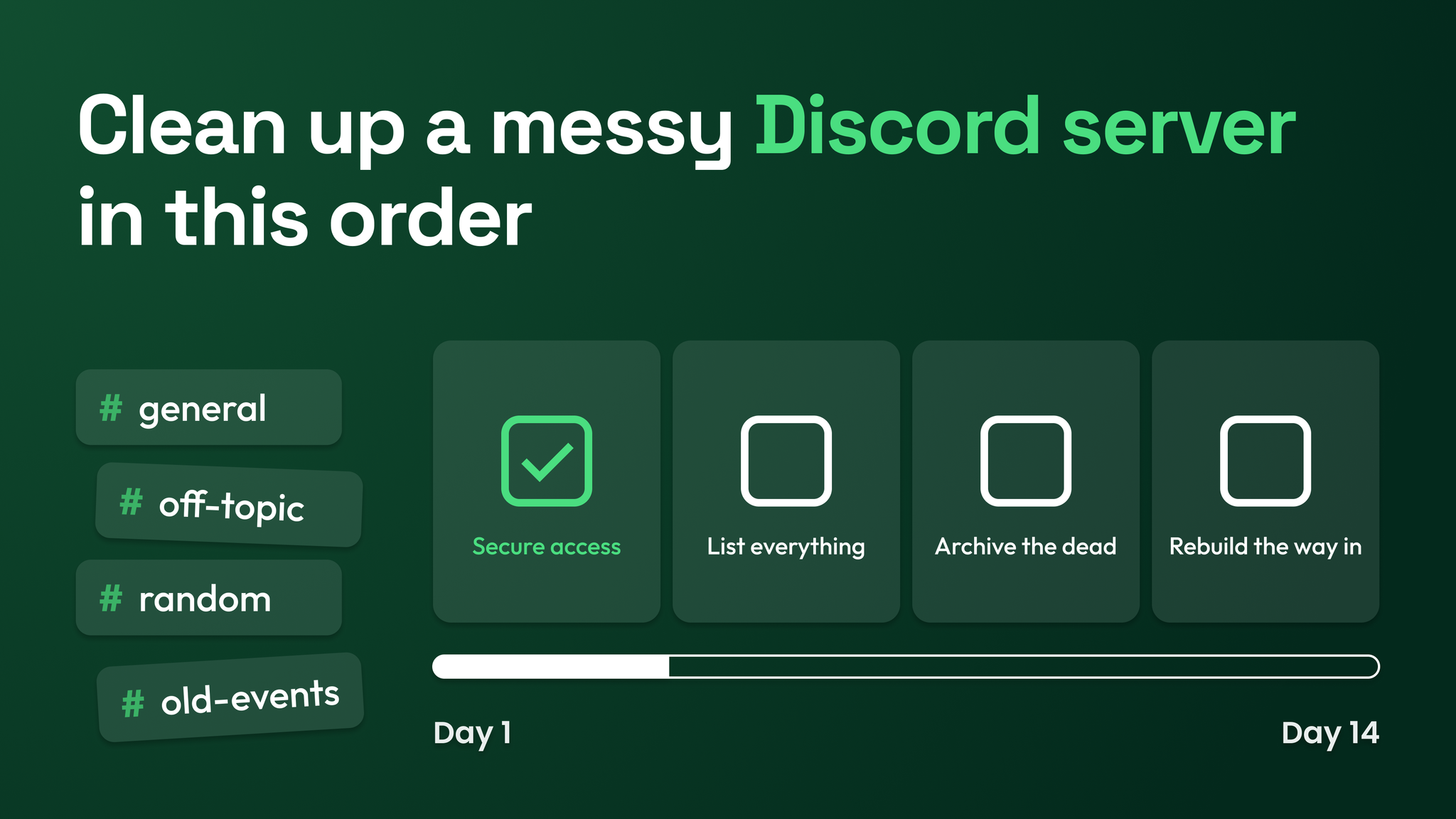
The short answer: four phases, done in sequence
Inheriting a Discord server usually means inheriting its unanswered questions. Nobody can say which accounts are able to ban people, what each bot does, or why two channels have nearly the same name. By the day the server reaches a marketing leader's desk, the builder has often left and the notes never existed.
The way through is a fixed sequence over 14 days.
- Days 1 to 2, secure. Settle who owns the server and who can change it.
- Days 3 to 5, inventory. Record every channel, role, bot and automation on one sheet.
- Days 6 to 9, reduce. Archive, merge and remove, with notice.
- Days 10 to 14, rebuild the entry path. Give new members a clear way in, then document how the server runs.
Each phase protects the one after it. Access has to be settled before you change anything, or people with leftover rights can reverse your work. The inventory has to exist before you remove anything, or you will remove something a member or a bot depends on. Reduction has to finish before you write a new welcome, or the welcome will point at channels that are about to go.
Some vocabulary, defined once. A role is a label on a member's account. A permission is one thing a role lets someone do, such as removing messages. A bot is an automated account doing a set job. A webhook is a private web address an outside tool uses to post into one channel. An invite link is the address people follow to join.
Phase one, days 1 to 2: settle who can change the server
Work through this list in order and write the answers down as you go.
Administrator, which grants everything and ignores channel-level restrictions. Then look for Manage Server, Manage Roles, Manage Channels, Manage Webhooks, Kick Members and Ban Members. Record every role holding one of these and every person holding that role. Remove the role from people who are gone, and note a reason beside everyone who stays.Administrator on the day they were installed. Write down what each bot is able to do. Leave them running. A bot with Administrator that no one on the team recognises is the exception, and it deserves a question to the team that same day.What you hold at the end of day 2 is a written access list. It names the owner account, each person with powerful rights along with the reason, and each bot along with what it can do. From here on, any change to the server is one you made or approved.
Phase two, days 3 to 5: put everything on one sheet
An inventory is a single sheet with one row for every channel, role, bot and automation. Automation means anything the server does without a person pressing a button, such as a welcome message, an automatic role or a scheduled post.
| What to list | Where to find it | What to record |
|---|---|---|
| Channels | The channel list, viewed with an admin account so hidden channels show | Date of the last message, who still posts, which roles can see it |
| Roles | The roles page in the server settings | How many members hold it, what it allows, which channels it opens |
| Bots | The integrations page and the member list | Its job, where it last posted, what it is allowed to do, who looks after it |
| Automations | Each bot's settings, the server's built-in filters, and a test join with a fresh account | What sets it off, what it does, who set it up |
Every row carries the same five facts: an owner, a purpose, the last activity, what uses it, and a label. The label is one of keep, merge or archive.
Anything nobody can explain gets flagged and stays in place.
A flag is an open question. Put it to the team in the staff channel. Put it to members too, with one plain message in the channel concerned asking what they use it for. The server's audit log, its built-in record of administrative changes, can fill in some recent history, though it reaches back only a limited time.
The "what uses it" column is the reason this phase exists. Dependencies are invisible in the channel list and obvious on a sheet. A role that appears to duplicate another may be the one that opens a paid area, and a channel that looks abandoned may be where a bot posts a feed that another team reads every morning.
Phase three, days 6 to 9: make the server smaller, with notice
Every change in this phase follows the same four steps.
- Announce it in the announcements channel, with the day it will happen and where to object. Skip the ping to everyone.
- Wait a day or two.
- Change it, keeping to a few changes per day so a problem can be traced to its cause.
- Record it in the inventory.
A notice can be this short:
On Thursday we are moving #beta-feedback and #general-2 into a read-only Archive category. Nothing is being deleted, and you can still read and search both. If you still use either channel, reply here before Thursday and we will keep it open.Three kinds of change happen in this phase.
Dead channels are archived. Discord offers no archive button for channels. Make a category named Archive, move the channels there, and turn off the permission to send messages in it. The history stays readable and searchable. Deleting is different: every message in a deleted channel is gone permanently.
Duplicate roles are merged by hand. Choose which role survives. Add it to every member of the duplicate, recreate the duplicate's channel access on the survivor, and repoint any bot or automation that grants the old role. Delete the duplicate last.
Unexplained bots are tested before removal. If the inventory shows the bot granting a role, posting a feed or answering a command, it has a job and needs an owner. If nothing uses it, strip its permissions for two days and watch. When nothing stops working, remove it.
Phase four, days 10 to 14: rebuild the way in
The entry path is everything a new member sees and does in their first few minutes. Build it once the clutter is gone, so it only points at things that will still exist next month.
Put a #start-here channel first in the channel list and let only staff post in it. One message is enough:
Welcome to [community name]. This server is where [who it is for] come to [what they get here].

Do this first: [one action, for example introduce yourself in #introductions].

Who runs this place:
[Name], [what they handle]
[Name], [what they handle]

Need help? Post in #help. The team replies within [your real reply time].
That message covers four jobs: what the server is for, one obvious first action, who is on the team, and where to get help. Keep the first action singular. Test the whole path by joining with a fresh account and reading it cold.
Then write the one-page operating document, so the next handover begins with a map. It holds:
- The owner account and where its login and backup codes are kept.
- The access list from phase one.
- Each bot, its job, its owner and what it is allowed to do.
- Each webhook and invite link, with where it posts or where it is published.
- A channel map: each category, its purpose and its owner.
- What was archived, when and why.
- How changes are made: announce, wait, change, record.
- The date it was last reviewed.
Keep the page outside Discord, alongside the company's other operating documents.
Four things to avoid during the two weeks
| Avoid | What it costs | Do this instead |
|---|---|---|
| Mass pings | Members mute the server and then miss the announcements that matter | Post in the announcements channel without notifying everyone |
| Deleting history | Answers and decisions that exist nowhere else are gone for good | Archive to a read-only category |
| Rebuilding from scratch | Every member has to join again, and some never do | Repair the server that already holds the members and the history |
| Silent changes | Members stop trusting that anything will stay where it is | Announce every change before it happens |
The wider job this belongs to
A two-week cleanup makes an inherited server stable and explainable. It is one piece of community operations, which also covers role and channel architecture, onboarding, moderation, support routing, documentation and reporting. Everything above is enough to run the cleanup unaided. Those other layers are their own builds, and each one starts from the access list and the inventory this work produces.
An inherited server becomes yours on the day you can say what every part of it is for. Two weeks in a fixed order gets you there with the members still in the room. More at danieljeong.org.
Want a properly managed community?
Get Your Free Analysis →